
Business Processes Small Businesses Should Automate First
A practical guide to choosing the first business process to automate, with examples, scoring criteria, and clear boundaries for small service businesses.
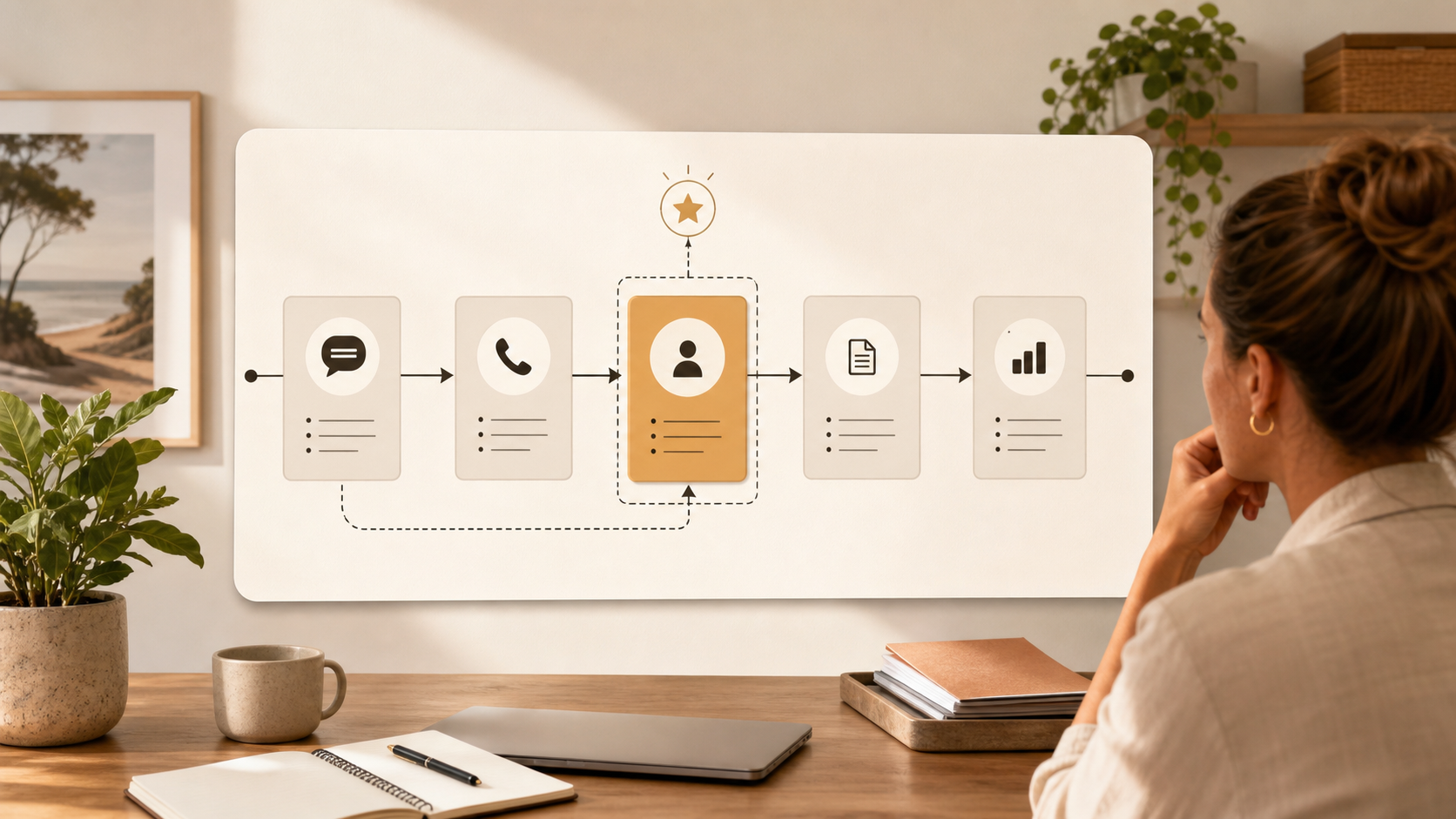
Small businesses should automate repeated processes with a clear trigger, predictable steps, and a visible cost when they are delayed or missed. The best first candidates are usually quote follow-up, enquiry triage, onboarding checklists, document chasing, meeting-note cleanup, and internal status updates.
The biggest mistake is trying to automate the business instead of choosing one process.
That usually happens when the tool arrives before the workflow is understood. Someone signs up for an automation platform, connects a few apps, and then discovers the real problem was not the software. The trigger was unclear. The owner was unclear. The review step was missing. The process was already inconsistent before automation touched it.
The better move is narrower. Pick one repeated process that already costs time, delay, or missed follow-up. Make it visible. Then automate the part that is predictable enough to support.
If you want the full implementation sequence after choosing the process, read the broader guide on how to automate business processes in a small business. This article is about the decision before that: which process should go first.
What makes a process worth automating first?
A good first automation candidate has five traits.
It happens often. The task comes up daily or weekly, not once every few months.
It has a clear trigger. Something starts the process, such as a quote being sent, a form being submitted, a client being marked ready to onboard, or a document being overdue.
It produces a predictable output. The result might be a draft reply, a checklist, a reminder, a summary, or a status update.
It has a visible cost when missed. Slow response, missed follow-up, repeated rework, or messy handoffs create real business drag.
It can be reviewed. A person can check the output before it affects a client, record, payment, or important decision.
That is why the best first automation is rarely the most impressive one. It is usually a simple admin process that keeps coming back.
The best first processes to automate
For most small service businesses, the first automation should sit close to admin, communication, or coordination.
| Process | Why it works first | What AI or automation can prepare | What should stay human |
|---|---|---|---|
| Quote follow-up | Missed follow-up can cost revenue and the timing is usually clear. | Reminder, draft email, CRM note, status update. | Commercial judgement, discounts, unusual client context. |
| Enquiry triage | New enquiries need fast sorting and consistent first response. | Classification, summary, draft reply, next-step suggestion. | Fit decision, urgency, sensitive response. |
| Client onboarding | The same emails, checklists, and document requests repeat often. | Welcome email, checklist, missing-information tracker. | Final client details, scope, compliance-sensitive wording. |
| Document chasing | Missing documents stall work and create repeated admin. | Missing-item summary, reminder draft, follow-up schedule. | Tone, sensitivity, escalation decisions. |
| Meeting-note cleanup | Notes often need the same structure after every call. | Decisions, actions, owners, follow-up summary. | Final decisions and commitments. |
| Internal status updates | Owners lose visibility when work is scattered across tools. | Weekly summary, stalled-task list, exception report. | Priority calls and client-facing conclusions. |
These processes work because they do not ask AI to run the business. They ask AI or automation to prepare the repeated part so a person has less rebuilding to do.
That distinction matters. The goal is not to remove judgement. The goal is to stop using judgement-heavy people for repeatable preparation work.
What not to automate first
The wrong first process usually has one of three problems.
First, it is too rare. If a process happens twice a year, the setup cost may outweigh the benefit. Start with the work that repeats every week.
Second, it is too messy. If different team members handle the same task in completely different ways, automation will amplify that inconsistency. Map the process first.
Third, it carries too much risk. Avoid starting with final decisions around money, compliance, health, safety, staffing, disputes, or sensitive client communication.
AI can still help around those areas later. It can prepare summaries, flag exceptions, draft notes, or organise information. But the first automation should be easier to test and safer to review.
| Good first candidate | Poor first candidate |
|---|---|
| Repeated weekly admin | Rare edge case |
| Clear trigger and owner | Process starts from memory or guesswork |
| Predictable draft, reminder, or checklist | Complex judgement with many exceptions |
| Easy to review before use | Output changes money, compliance, or advice without review |
| Measurable time or follow-up improvement | Vague promise of being “more efficient” |
If you are not sure whether a process is too broad, use the business process automation ROI calculator on one task only. If you cannot estimate frequency, time taken, and review effort, the process is probably not clear enough yet.
How to choose between two automation candidates
When two processes both look useful, score them before choosing.
Use a simple 1 to 5 score for each question:
- How often does this process happen?
- How clear is the trigger?
- How predictable is the output?
- How visible is the cost when it is missed?
- How easy is it to review safely?
- How likely is the team to keep using it?
The best first process is not always the highest pain point. It is the process with the best mix of pain, clarity, safety, and adoption.
For example, a messy reporting workflow might be painful, but if the source data is unreliable and no one owns the report, it is a poor first automation. Quote follow-up might be less glamorous, but if it happens every week and already has a clear owner, it is a better starting point.
This is the same reason the AI workflow guide starts with the trigger, owner, input, output, and review rule. Those details decide whether automation becomes useful or fragile.
Example: choosing the first workflow in a service business
Imagine a small trade business with three obvious admin problems.
Quotes are not always followed up. New enquiries sit in the inbox too long. Job notes are messy after site visits.
All three are valid problems, but they are not equal first candidates.
Quote follow-up is strongest if every quote already has a sent date, owner, customer name, job type, and clear follow-up window. The workflow can prepare a reminder and draft email after two business days. A person can review the message before sending.
Enquiry triage is strongest if the business has a contact form or shared inbox with enough information to classify each enquiry. AI can summarise the request and prepare a first reply, but someone still decides fit and urgency.
Job-note cleanup might be useful, but it may be a weaker first candidate if the notes are inconsistent, incomplete, or captured differently by each person.
The practical answer is to start with quote follow-up. It has a clearer trigger, a clearer cost, and an easier review step.
Once that works, the business can move to enquiry triage or note cleanup with more confidence.
Key takeaway
The first process to automate should be repeated, visible, and narrow enough to improve without rebuilding the business.
If the process is unclear, automation will not fix it. It will make the confusion move faster.
If the process is clear, even a simple workflow can reduce admin, improve follow-up, and make the business easier to run.
If you want help choosing the first process rather than guessing from a tool list, a process audit is the right starting point. It is also the way I approach broader AI consultancy: find the repeated friction first, then build the simplest system that solves it.
For more examples, read AI workflow examples for small businesses or the implementation guide on how to automate business processes in a small business.
FAQ
What business processes should a small business automate first?
Automate repeated admin processes with clear triggers and predictable outputs first. Quote follow-up, enquiry triage, onboarding checklists, document chasing, meeting-note cleanup, and internal status updates are strong starting points because they happen often and can be reviewed safely.
What should a small business not automate first?
Do not start with rare edge cases, unclear processes, or final judgement around money, compliance, health, safety, staffing, or sensitive client communication. Use AI to prepare information around those areas later, but keep the first automation lower risk.
How do I know if a process is ready to automate?
A process is ready when the trigger, owner, input, output, review step, and success measure are clear. If the team cannot explain how the process works today, map it before automating it.
Should I automate admin or sales follow-up first?
Start with whichever process is repeated, clearly owned, and costly when missed. In many small service businesses, quote follow-up or enquiry response is the best early candidate because delays can directly affect revenue.