
AI Tools Guide
AI tools for Australian small businesses
A practical 2026 guide to the AI tools worth considering, what they cost in Australian terms, and where they actually fit inside a small service business workflow.
Published 16 April 2026 · Updated June 2026
Direct answer
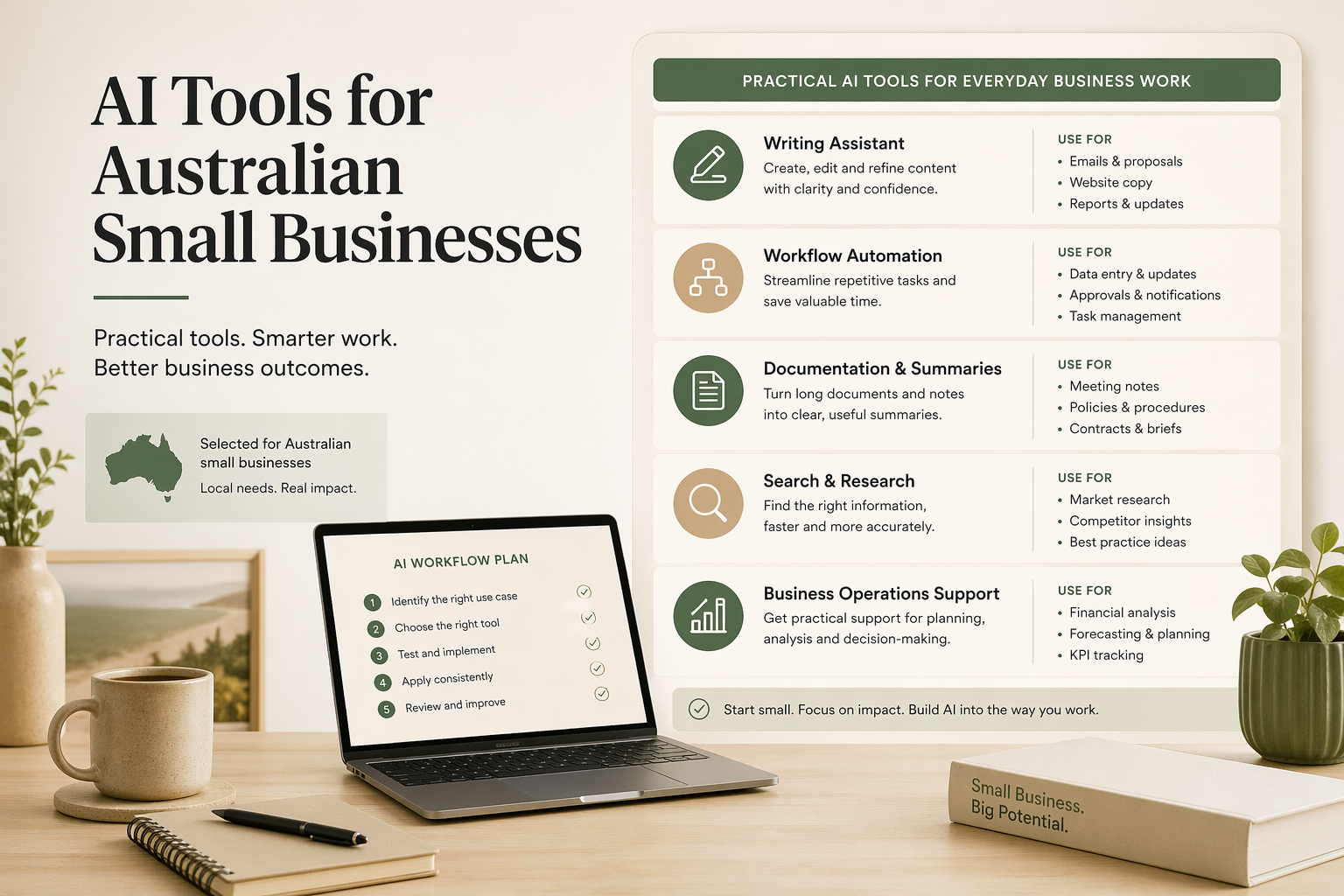
The best AI tools for Australian small businesses depend on the workflow. General AI assistants — ChatGPT, Claude, Gemini — handle drafting, summarising, and planning, and cost roughly AUD $28–35 per user per month. Automation platforms like Zapier, Make, and n8n connect systems. Australian-specific tools like Xero JAX and ServiceM8 sit closer to financial and operational data and require no extra integration to access it.
Short answer
The best AI tool is the one attached to a repeated workflow your team already runs and can maintain.
Best first buy
Start with one paid assistant seat for the person doing the most drafting, summarising, or coordination.
Main risk
Buying tools before mapping the workflow usually creates another place to check rather than less admin.
The best AI tools for Australian small businesses are the ones attached to a repeated workflow, not the ones with the most impressive demos. Start with an assistant like ChatGPT, Claude, or Gemini for drafting and summarising, then add automation or industry tools only when the workflow, source of truth, and review rules are clear.
Most AI tool guides are not written for Australian small businesses. They assume US pricing, US software stacks, and teams with dedicated operations staff. They often compare tools as if the decision is only about which model is smartest, rather than which tool fits the way a real business handles enquiries, quotes, invoices, appointments, notes, and follow-up.
Australian service businesses usually have a different starting point. Xero or MYOB may be the source of truth for accounts. Gmail, Outlook, Google Workspace, or Microsoft 365 may hold most daily work. ServiceM8, Tradify, HubSpot, Notion, Confluence, or spreadsheets may sit in the middle. The useful question is not "Which AI tool is best?" It is "Where should AI sit in this workflow, and can the team maintain it?"
The prices below are a practical guide as of April 2026. Several vendors bill in USD or change inclusions by region, so treat AUD amounts as approximate unless the vendor lists Australian dollars directly. The safest buying rule is simple: pay for a tool only when it is attached to a workflow that happens often enough to justify the cost. If the cost of the admin task is still vague, use the business process automation ROI calculator to estimate one repeated workflow before buying another subscription.
If you are earlier in the process and still deciding whether a task should be automated at all, start with the broader AI workflow guide or the small-business guide on how to automate business processes. If the bigger problem is repeated admin rather than tool choice, read how to reduce admin work in a small business .
AI tool decision shortcut
If the work is mostly writing, summarising, or planning, start with ChatGPT, Claude, or Gemini. If the work is moving information between systems, look at Zapier, Make, or n8n. If the work depends on invoices, jobs, clients, or appointments, improve the workflow inside the system of record first.
The best AI tool for a small business is the one that improves a repeated workflow without creating a second source of truth. That is why tool selection should come after the workflow is mapped, not before.
Quick pricing snapshot in AUD
Most AI tools below are billed in USD. AUD costs vary with the exchange rate — always check the vendor checkout page for the current Australian price before buying. Card fees and GST treatment can add further to the listed price.
| Category | Tools | Approximate Australian cost | Buying note |
|---|---|---|---|
| AI assistants | ChatGPT Plus, Claude Pro, Gemini | Common paid individual plans are often around US $20 per month, about AUD $31 before fees at an indicative April 2026 exchange rate. | Start with one seat for the person doing the most drafting or analysis. |
| Workspace AI | Google Workspace with Gemini features | Google Workspace AU business plans list from AUD $9.90 to AUD $19.80 per user per month on annual commitment before higher plans. | Most useful when Gmail, Docs, Meet, and Sheets already run the business. |
| Automation | Zapier, Make, n8n | Entry paid tiers vary by vendor: Make starts from low USD monthly tiers, n8n cloud starts from EUR pricing, and Zapier depends heavily on task volume. | Price depends heavily on tasks, credits, or workflow executions. |
| Documentation | Notion | Notion Plus lists at US $10 per member per month and Business at US $20 per member per month before conversion and tax. | Worth paying for only if the team will keep the knowledge base current. |
| Trades operations | ServiceM8, Tradify | ServiceM8 lists AUD $0, $29, $79, $149, and $349 per month including GST. Tradify AU lists AUD $48, $52, and $62 per user per month ex GST. | Often better to improve the job system workflow before adding a separate AI tool. |
How to choose the right AI tool for your business
The buying decision should start with the workflow, not the product category. If a task happens once a month, has unclear inputs, or nobody owns the outcome, a new AI subscription will probably add noise. If a task happens every week, follows a recognisable pattern, and slows down client work, it is a better candidate.
| Decision point | What to check | Good sign | Warning sign |
|---|---|---|---|
| Workflow fit | Does this task happen often enough to matter? | It appears every week in enquiries, admin, quoting, reporting, or follow-up. | The tool is being bought because it looks impressive, not because a repeated task is defined. |
| Source of truth | Where should the final record live? | Xero, MYOB, ServiceM8, Tradify, HubSpot, or the CRM remains authoritative. | The AI tool creates a hidden second record that the team forgets to maintain. |
| Maintenance | Who will own prompts, automations, templates, and errors? | An owner can inspect the workflow and update it when the process changes. | Only the original builder understands how the workflow works. |
| Risk level | Could a wrong output affect money, compliance, safety, or client trust? | Low-risk drafts can move quickly; higher-risk outputs have approval steps. | The tool can send, update, or decide without review where judgement matters. |
| Measurable value | What time, rework, missed follow-up, or delay should reduce? | The business can point to a practical before-and-after improvement. | Success is defined as "we now use AI" rather than a business outcome. |
This is also where an AI consultant should be useful. The value is not just knowing which tools exist. It is choosing the smallest setup that removes a real bottleneck and can keep working after the first week.
The baseline tools: ChatGPT, Claude, and Gemini
Every small business should understand the three baseline assistants before buying niche AI software. ChatGPT, Claude, and Gemini all help with drafting, rewriting, planning, summarising, extracting information, and turning messy notes into structured outputs. The differences matter most when you connect them to a specific workflow.
| Tool | Best fit | Typical 2026 cost | Small business use |
|---|---|---|---|
| ChatGPT | General assistant, analysis, content, research, custom workflows | Often billed in USD. Paid individual plans commonly convert to roughly low tens of AUD per user per month. | Draft emails, write SOPs, analyse call notes, create reusable prompts, prepare proposals. |
| Claude | Long documents, careful rewriting, policy drafts, complex instructions | Often billed in USD, with individual and team plans converting to AUD at current exchange rates. | Summarise long client documents, rewrite sensitive messages, create internal knowledge pages. |
| Gemini | Google Workspace teams and document-heavy collaboration | Workspace pricing varies by plan and region; Gemini features are increasingly bundled into business plans. | Draft in Gmail, summarise Docs, support Sheets analysis, prepare meeting notes. |
For a small service business, the first paid seat usually belongs to the person doing the most repetitive drafting, summarising, or coordination. That might be the founder, practice manager, office manager, admin coordinator, or operations lead. Buying a paid seat for everyone before the workflow is defined is usually waste.
Pick the assistant based on where work happens. A Google Workspace-heavy business may get more day-to-day value from Gemini features inside Gmail and Docs. A business preparing long policy documents or client reports may prefer Claude. A team wanting a flexible general assistant, custom instructions, and broad ecosystem support may start with ChatGPT. None of these choices removes judgement where the output affects money, compliance, client trust, or regulated work.
When AI should connect to your actual tools
The next step after casual prompting is giving the assistant controlled access to the information and tools the business already uses. In ChatGPT this is often described through apps or connectors. In Claude, connectors and skills can support similar workflow patterns. The practical value is the same: the assistant can work from real source material instead of relying on copied-and-pasted context.
Connectors are useful when the answer depends on live or stored business context, such as a Google Drive folder, Notion workspace, SharePoint library, email thread, task board, or CRM record. They reduce context switching and make it easier to reference the right document, client note, or project status before drafting an output.
Reusable instructions, custom assistants, projects, or skills are useful when the task repeats. Instead of asking the team to paste the same long prompt every time, you define the rules once: tone, format, source documents, escalation rules, examples, and the expected output. That is better for repeated tasks like client follow-up drafts, meeting summaries, SOP creation, proposal outlines, and report formatting.
The buying logic is simple. Use a prompt for a one-off task. Use reusable instructions when the task repeats. Use connectors when the task depends on information inside other tools. Add approval steps when the workflow can affect clients, money, compliance, or the system of record.
If you want the deeper setup layer behind this, the ChatGPT vs Claude AI harnesses guide explains how context files, skills, connectors, MCP, scheduled tasks, and permission rules fit around the model.
Workflow and automation tools: Make, Zapier, and n8n
AI becomes more useful when it is attached to a repeatable workflow. Automation tools move data between systems, trigger actions, send notifications, and log what happened. The risk is that small businesses can create fragile automations that nobody understands after the first builder moves on. If you are still deciding which processes to automate first, the guide on business process automation tools for small businesses and the article on AI workflow examples cover the selection and implementation layer before you commit to a platform.
Zapier
Best for common app-to-app connections and straightforward triggers. It is approachable for non-technical teams, but costs can rise as task volume grows.
Make
Best when the workflow needs branching, formatting, filters, and a visual scenario. It suits teams that need more control than a simple one-step automation.
n8n
Best when there is technical ownership, a preference for open-source tooling, or a need for self-hosting and deeper control over workflow logic.
A good Australian business example is quote follow-up. ServiceM8 or Tradify can hold the job and quote record, Xero or MYOB may hold the accounting trail, Gmail or Outlook may hold the client conversation, and the CRM may hold sales notes. An automation can watch for a quote status, prepare a follow-up draft, notify the owner, and log the outcome. AI can draft the message, but the automation should show who approved it.
Another example is client onboarding. A form submission can create a folder, draft a welcome email, prepare a checklist, and notify the delivery person. AI can summarise the client's intake answers and flag missing information. The workflow should still make it clear where the source record lives and who checks the summary.
If you want the step-by-step version, the guide on automating business processes in a small business explains how to move from manual steps to a workflow without overcomplicating it.
Knowledge and documentation tools
Many small businesses do not need more automation first. They need better internal knowledge. AI works better when it can draw on clean templates, process notes, service descriptions, client handover rules, and decision criteria. Without that base, the tool has to infer too much.
Notion AI suits small teams that want a flexible workspace for SOPs, project notes, templates, and lightweight databases. It is approachable, but it can become messy without ownership. Confluence suits larger or more structured teams, especially where Atlassian tools are already in use. Obsidian suits individuals or very small technical teams that want local markdown notes and are comfortable managing structure themselves.
The best documentation tool is the one the team will update. A beautiful knowledge base that nobody touches is worse than a plain Google Doc that the office manager keeps current. For AI use, prioritise documents with clear headings, dates, owners, and examples. The model needs clean source material, and the team needs to know which page is authoritative.
If the problem is broader than choosing a documentation app, read the guide to internal knowledge systems for small businesses. It explains how to structure SOPs, templates, handover notes, and AI-ready context before worrying too much about the tool.
Useful first documents
- Standard enquiry response rules
- Quote follow-up timing and templates
- Client onboarding checklist
- Common service explanations
- Escalation rules for complaints, refunds, safety, and compliance
Australian-specific tools with AI features
Australian small businesses should look closely at the systems they already use before adding specialist AI products. Xero, MYOB, ServiceM8, and Tradify often sit closer to the actual workflow than a standalone chatbot. That matters because the highest-value AI work often depends on job records, invoices, client details, service history, and follow-up status.
Xero is the common accounting hub for many Australian small businesses. In 2026, Xero launched JAX — an AI financial superagent built directly into Xero that can automate invoices, answer plain-language queries against live financial data, and complete tasks via WhatsApp, SMS, email, or the Xero platform. JAX accesses Xero data natively — no separate integration required. For most teams the practical use remains invoice reminders, payment note summaries, document extraction, and cleaner handoffs between admin and advisers. Human review stays essential for tax, compliance, and client advice.
MYOB remains common across Australian accounting and payroll workflows, particularly where businesses have established bookkeeping processes. MYOB's built-in AI handles payroll automation, STP compliance, BAS lodgement, and superannuation calculations directly within the platform and connects to the ATO. As with Xero JAX, this is platform-embedded AI — general AI tools like Claude or ChatGPT cannot access MYOB data without a custom API integration. Good adjacent workflows for general AI include preparing client follow-ups, summarising incoming supplier emails, and drafting internal notes for the bookkeeper or accountant to review.
For accountants and bookkeepers, the useful question is narrower than "which AI tool is best?" It is which parts of client communication, document chasing, reporting preparation, and internal review can be made faster without weakening professional judgement. I cover that in more detail on the AI for accountants page.
ServiceM8 is especially relevant for trades and field service businesses. Its Australian pricing is listed in AUD and includes GST, with plans ranging from a free tier through paid tiers such as Starter, Growing, Premium, and Premium Plus. It includes job management, scheduling, quoting, invoicing, CRM automation, AI writing helper features, quote and invoice drafting support, and integrations with accounting tools. For a small trades team, it can be more useful to improve the ServiceM8 workflow than to bolt on an unrelated AI tool.
Tradify is another strong fit for trades businesses that need quoting, scheduling, invoicing, and job management. The AI opportunity is usually around message drafting, job summaries, quote follow-up, customer updates, and reducing double entry between jobs and accounts. As with ServiceM8, the job system should remain the operational source of truth.
What to avoid
Avoid tools that solve demo problems instead of business problems. A tool that can generate a polished proposal in a demo may still fail if your service descriptions are unclear, your pricing rules live in someone's head, or nobody checks the final output before it reaches the client. AI makes weak processes faster, but not necessarily better.
Be cautious with tools that create a second source of truth. If invoice status lives in Xero, job status lives in ServiceM8, and client relationship notes live in HubSpot, a new AI platform should not become a hidden fourth place where critical information quietly drifts. The workflow should update or reference the correct system of record.
Avoid automations that cannot be inspected. Small businesses need clear handover notes: what triggers the workflow, what systems it touches, what AI is allowed to do, what a person must approve, and what to do when it fails. If only the original builder can understand it, the workflow is a liability.
Also avoid buying seats too broadly. Start with one or two people attached to one workflow. Build evidence. Then expand. The businesses that get value from AI usually treat it as operations work, not a software shopping trip.
For Sydney businesses that want help making that decision locally, my AI consultant Sydney page explains how I approach practical implementation rather than tool shopping.
FAQ
What AI tool should an Australian small business start with?
Start with the tool that fits the work your team already does. ChatGPT, Claude, and Gemini can all support drafting, summarising, planning, and analysis. If your business already uses Google Workspace, Gemini may fit naturally. If you need long document drafting or careful rewriting, Claude is often useful. If you want a broad general assistant with strong ecosystem support, ChatGPT is a practical baseline.
Are paid AI tools worth it for a small business?
Paid AI tools are worth it when they save time in a workflow that happens often. One paid seat can be justified quickly if it reduces quoting admin, meeting note cleanup, proposal drafting, or document summarising every week. They are not worth it when they are bought for novelty, given to the whole team without a process, or used on risky client-facing work without clear approval rules.
Should I use Zapier, Make, or n8n for automation?
Use Zapier when you want the simplest path between common apps. Use Make when the workflow needs branching, data transformation, or a visual scenario that a non-developer can inspect. Use n8n when you have technical ownership, want more control, or need self-hosting. The best platform is the one your business can maintain after the first workflow is built.
Can AI connect safely to Xero or MYOB?
There are two distinct ways AI interacts with Xero and MYOB. Platform-embedded AI — Xero JAX and MYOB's built-in AI — accesses financial data natively because it sits inside the accounting system. General AI tools like Claude and ChatGPT have no native connection to Xero or MYOB; to access that data, a custom API or middleware integration is required. For general AI, the safer approach is to use it for adjacent work: drafting invoice reminder text, summarising payment notes, classifying incoming requests, or preparing checklists for the accountant to review. Keep Xero or MYOB as the system of record and require human approval for anything that affects money or compliance.
What AI tools should small businesses avoid?
Avoid tools that require complex setup but have no internal owner, tools that duplicate a system you already pay for, and tools that only look impressive in demos. Be especially cautious with tools that store client data without clear privacy controls, automate client messages without approval, or create workflows nobody can inspect when something goes wrong.
Choose tools around one workflow
If your team is unsure where AI should fit, start by mapping one admin workflow and deciding what should be drafted, automated, reviewed, and measured. You can also read about my broader AI consultancy work, the Sydney AI consultant page, or, if you run an accounting or bookkeeping firm, the dedicated AI for accountants page.
Related reading: where small service businesses should start with AI and reducing admin load with AI workflows.