
How to Set Up AI Context Files for Better Outputs
A practical guide to markdown context files, agent instructions, and decision logs for more consistent ChatGPT, Claude, and Codex outputs.
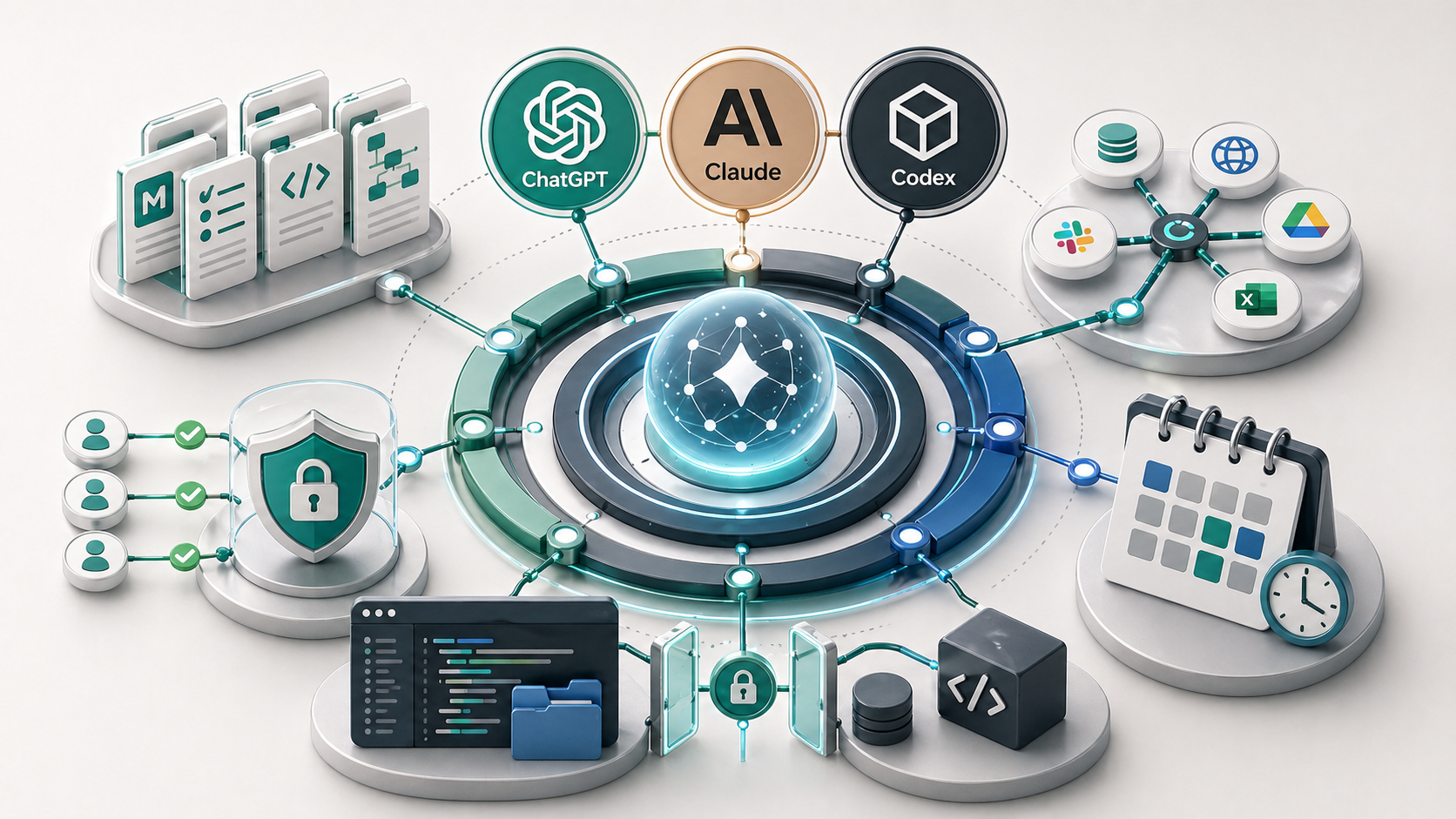
AI context files are plain-text documents that give an assistant stable information before it starts work. Files such as about-me.md, writing-style.md, AGENTS.md, project notes, and decision logs help ChatGPT, Claude, Codex, or another assistant understand the business, task rules, tone, and boundaries without rebuilding the prompt every time.
Most AI output problems are blamed on the model too quickly.
Sometimes the model is the issue. More often, the assistant has been asked to do business-specific work without enough business-specific context.
That is why context files matter. They turn repeated explanation into a reusable operating layer.
What are AI context files?
AI context files are documents an assistant can read before or during a task. They explain the information the assistant should not have to guess.
For a small service business, useful context might include:
- who the business serves
- what the business sells
- how the business writes
- what clients usually care about
- what tools and workflows are already used
- what the assistant should never do
- what decisions have already been made
Markdown is a good format for this because it is plain text. It is easy to read, easy to update, easy to version, and easy for AI tools to parse. You do not need a complex knowledge management system before the basics work.
If those context files start expanding into SOPs, templates, handover notes, decision rules, and team documentation, the broader next step is an internal knowledge system for small business. Context files are one layer. The knowledge system is the maintained source of truth around them.
This is also one reason tools like Codex and Claude Code are useful in a working project. Both can work from project instructions, local files, briefs, and style rules before editing. Claude chat and ChatGPT can also benefit from project files, custom instructions, and uploaded or connected documents. The interface changes, but the operating idea is the same.
Why repeated prompting breaks down
Repeated prompting feels productive at first. You write a detailed prompt, get a decent result, then reuse parts of it later.
The problem is that the prompt becomes a memory test.
One day you remember to include the audience. Another day you forget the tone. Someone else on the team uses a shorter version. A month later, a decision changes, but the prompt still reflects the old rule.
That creates drift:
- outputs sound different between team members
- the assistant repeats old positioning
- review takes longer because the same mistakes return
- people lose trust in the tool
The fix is not always a better prompt. The fix is often a stable source of truth.
What should go into the first context files?
Start with a small set of files. Each file should have one job.
| File | What it owns | Example contents |
|---|---|---|
about-me.md or business-context.md | Business positioning | Who you help, what you do, why your approach is different |
writing-style.md | Voice and output standards | Tone, sentence style, examples, banned habits |
workflow-rules.md | How a repeated process should run | Inputs, steps, owner, review rules |
content-memory.md or decision-log.md | Durable decisions | What has already been decided and what should not be repeated |
security-rules.md | Boundaries | What the assistant can access, what requires approval, what must stay private |
AGENTS.md | Project operating rules | How an assistant should work inside a repo or project folder |
The point is not to create a huge library. The point is to remove the context that keeps getting retyped.
One giant prompt or a context-file system?
A long prompt can work for a single task. It is weaker as an operating system.
| Approach | When it works | Where it breaks |
|---|---|---|
| One giant prompt | One-off tasks, quick drafts, experiments | Hard to update, easy to forget sections, difficult for a team to reuse |
| Context files | Repeated work, team workflows, content systems, technical projects | Needs light maintenance and clear ownership |
| Context files plus skills | Repeated tasks with a standard method | Can become too complex if every small task gets overbuilt |
For most businesses, the right move is not to create fifty files. It is to create five useful ones and keep them current.
Where Codex, Claude, and ChatGPT fit
Codex shows the context-file pattern clearly because it works inside a project. Claude Code can do essentially the same kind of project-aware work from the Claude side. In this site, the assistant can read AGENTS.md, writing rules, keyword decisions, content memory, and briefs before making changes. That means the work starts from the existing system rather than a blank chat.
Claude can also use similar patterns through project instructions, files, Claude Code workflows, Claude Cowork-style collaboration, and skills. A file such as CLAUDE.md, a skill folder, or a project knowledge base can shape how it works.
ChatGPT can use projects, custom instructions, files, memory, custom GPT-style workflows, and connected apps. The same underlying question applies: what stable information should the assistant have before it answers?
The best setup depends on the tool. The principle does not.
Give the assistant the right context before asking it to perform.
Example setup for a small service business
A practical starter setup might look like this:
ai-context/
  business-context.md
  writing-style.md
  workflow-rules.md
  decision-log.md
  security-rules.md
  reusable-prompts.md
business-context.md explains the audience, services, geography, pricing posture, and common client problems.
writing-style.md defines tone, structure, examples, and what the business never wants to sound like.
workflow-rules.md documents one repeated workflow, such as turning meeting notes into tasks or drafting a quote follow-up.
decision-log.md stores durable decisions. For example, “Do not recommend connecting every tool at once” or “All client-facing email drafts need human review.”
security-rules.md explains what the assistant must not access, reveal, or change.
reusable-prompts.md stores prompts that have been tested enough to reuse.
This is not glamorous. That is the point. A boring context system that gets used is better than an impressive setup nobody maintains.
What not to put in context files
Do not put secrets into assistant-readable context files.
That includes:
- API keys
- passwords
- access tokens
- private keys
.envvalues- sensitive client information that is not needed for the task
If a workflow needs access to live systems, use proper permissions, environment variables, secrets managers, ignored local files, and connector-level controls. Do not turn a markdown folder into a secret store.
This matters more when the assistant can act. A blank chat that reads a generic style guide is low risk. A tool-connected assistant with write access to business systems needs much tighter boundaries. The guide to safe AI workspaces, .env files, and API keys covers that layer in more detail.
How this connects to AI harnesses
Context files are the first layer of an AI harness. They make the model less dependent on memory, improvisation, and repeated prompting.
They also make later layers easier. Once the context is clear, you can turn repeated work into reusable team processes, then into skills, workflows, or automations.
That is the order I would usually follow:
- Document the context.
- Define the workflow.
- Create reusable instructions.
- Connect tools only where the workflow justifies it.
- Add automation only after review rules are clear.
This keeps the system practical. It also avoids the common mistake of adding tools before the business has defined what good work looks like.
Key takeaway
Better AI output usually starts with better context.
Before changing models, adding connectors, or building automations, give the assistant a clear source of truth. Context files are a simple way to do that. They help ChatGPT, Claude, Codex, and other assistants work from the same business reality instead of guessing from a single prompt.
FAQ
What is an AI context file?
An AI context file is a plain-text document that gives an assistant stable information before it starts work. It might explain the business, audience, writing style, workflow rules, decision history, or safety boundaries. The goal is to stop rebuilding the same context in every prompt.
Why use markdown for AI context?
Markdown is useful because it is plain text, structured, portable, easy to inspect, and easy for AI assistants to read. It works well for files like about-me.md, writing-style.md, AGENTS.md, SOPs, and decision logs because the structure is clear without needing a complex system.
Is AGENTS.md only for coding?
AGENTS.md is most commonly used in code repositories, but the pattern is useful beyond coding. It shows how to give an assistant operating rules before work begins. A service business can use the same idea with context files that explain tone, clients, workflow rules, and review requirements.
Should I put client data in AI context files?
Be careful. Do not put unnecessary client data, API keys, tokens, passwords, private keys, or secrets into context files. If client information is required for a workflow, keep access narrow, follow your privacy obligations, and separate general instructions from sensitive records.