
What Are AI Skills? Reusable Instructions for AI Workflows
AI skills are reusable instructions for repeated work. Here is how small businesses can use them with Claude, Codex, ChatGPT, and internal workflows.
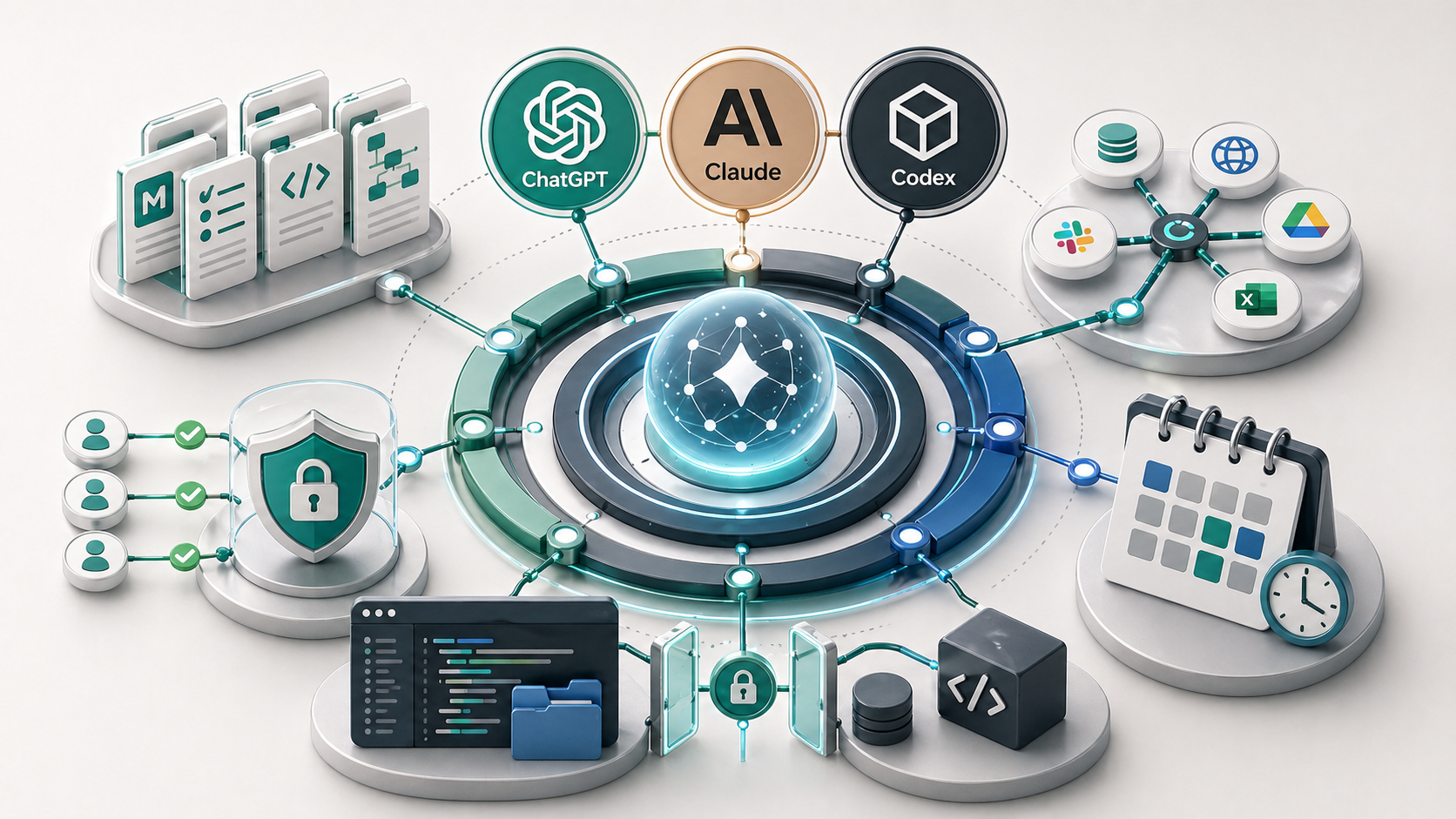
An AI skill is a reusable instruction package for a repeated task. It tells the assistant when to use the workflow, what inputs it needs, what steps to follow, what output format to produce, and what checks or boundaries apply. Skills make AI work more consistent because the process is documented instead of retyped.
The word “skill” can make this sound more complicated than it is.
For a small business, the useful idea is simple: if you ask AI to do the same kind of work every week, that work probably deserves reusable instructions.
What is an AI skill?
An AI skill is a repeatable way to perform a task with an assistant.
It might live as a SKILL.md file in a Codex or Claude-style setup. It might be represented by Claude Skills, a custom GPT, project instructions, an internal SOP, or an API-side workflow. The product feature changes, but the operating pattern is similar.
A useful skill defines:
- when the assistant should use it
- what inputs are required
- what steps the assistant should follow
- what output format is acceptable
- what the assistant must check
- when the assistant should ask a person instead of guessing
That is the difference between “write this for me” and “run our standard process for this task.”
When should a prompt become a skill?
Do not turn every prompt into a skill.
A prompt should become a skill when the task is repeated, valuable, and structured enough to standardise.
Good candidates include:
- turning meeting notes into action items
- drafting quote follow-ups
- summarising client intake forms
- converting rough ideas into blog briefs
- cleaning a CSV into a standard format
- reviewing content against a writing style
- preparing a weekly operations summary
Weak candidates include one-off questions, vague brainstorming, or tasks where the input and output change completely every time.
The test is simple: would a second person benefit from using the same process?
If yes, write the process down.
What should a useful skill include?
| Component | What it should answer | Example |
|---|---|---|
| Trigger | When should this skill be used? | Use when meeting notes need to become owner-ready tasks |
| Inputs | What information is required? | Transcript, attendees, client name, due-date clues |
| Steps | What should the assistant do? | Extract decisions, actions, blockers, unanswered questions |
| Output | What should the result look like? | Table with task, owner, deadline, source note |
| Review rules | What must a person check? | Confirm owners, deadlines, client commitments, and anything uncertain |
| Stop rules | When should the assistant pause? | If the notes imply legal, financial, medical, or contractual advice |
Most weak skills fail because they skip one of these parts.
They define the task but not the inputs. Or they describe the output but not the review rules. Or they assume the assistant will know when to stop.
Good reusable instructions remove that ambiguity.
How Codex, Claude, and ChatGPT handle reusable workflows
Codex makes reusable workflows tangible because it can work inside a project. Claude Code can do essentially the same kind of project-aware work from the Claude side. A Codex or Claude Code workflow can define when it should activate, what files matter, what checks to run, and what output the user expects. In this site, for example, content work is governed by local files for writing style, keyword ownership, memory, briefs, and agent instructions.
Claude also has a broader practical setup through skills, project instructions, long context workflows, Claude Code project files, and Claude Cowork-style collaboration. A skill can package task-specific instructions and supporting files so the assistant does not rely on a fresh prompt every time.
ChatGPT can approach the same problem through projects, custom instructions, custom GPT-style workflows, apps, files, and agent-style setups. The reusable workflow might not always be called a “skill”, but the business value is the same.
The label matters less than the pattern:
- Give the assistant stable context.
- Define the repeated task.
- Standardise the input.
- Standardise the output.
- Add review and permission rules.
That pattern is part of the broader AI harness around the model.
Prompt, SOP, skill, or automation?
These are related, but they are not the same thing.
| Format | Best for | Risk if overused |
|---|---|---|
| Prompt | One-off task or experiment | Repeated work stays inconsistent |
| SOP | Human process documentation | AI still needs translation into task instructions |
| Skill | Repeated AI-assisted task | Too many narrow skills become hard to maintain |
| Automation | Triggered workflow with less manual work | Can act too quickly if review rules are weak |
A skill often sits between an SOP and an automation.
The SOP explains how the business process works. The skill explains how the assistant should help with one part of that process. The automation comes later if the workflow is stable enough.
Example skill for a small service business
Imagine a small consultancy that wants to turn client meeting notes into a task list.
A weak prompt would be:
Summarise these notes and make tasks.A better skill would say:
Use this workflow when raw meeting notes need to become an internal action list.

Required inputs:
- meeting notes or transcript
- client name
- meeting date
- attendees, if known

Steps:
1. Extract decisions.
2. Extract tasks.
3. Identify owners only when they are explicit.
4. Identify deadlines only when they are explicit.
5. Flag unclear commitments instead of inventing them.

Output:
- table with task, owner, deadline, source note, and confidence
- short list of questions that need human confirmation

Review:
- do not send to the client without human approval
- flag anything involving pricing, contracts, or advice
That instruction is not clever. It is useful because it makes the work repeatable.
Why most skills fail
Most skills fail for ordinary reasons.
They are too broad. “Help with operations” is not a skill. “Turn meeting notes into action items” is closer.
They lack inputs. If the assistant does not know what information is required, it will either guess or ask follow-up questions every time.
They lack output standards. A reusable workflow needs a predictable shape.
They lack review rules. This matters for client-facing work, money, compliance, health, staffing, and professional judgement.
They have no owner. If nobody maintains the skill, it slowly becomes another outdated document.
How this connects to context files
Skills work better when the assistant already has context.
That is why I would usually create AI context files before building a full skill library. The context files explain the business. The skill explains the repeated task.
You can also turn strong prompts into shared processes first. The article on turning ad-hoc prompts into repeatable team processes covers that middle step.
From there, skills can become part of a broader AI workflow, especially when the task is tied to a real business trigger such as a new inquiry, uploaded document, quote follow-up, or meeting transcript. If the skill needs local files, terminal commands, or scheduled execution, the next pieces are terminal basics for AI beginners and scheduled AI tasks and local automations.
Key takeaway
An AI skill is useful when it makes one real task easier to repeat.
Do not build skills because the feature exists. Build them when the business has a recurring task, a standard input, a standard output, and a clear review rule.
If your team has useful prompts but inconsistent results, the problem is usually process design. A process audit can help identify which repeated workflow should become the first reusable AI skill, and that kind of implementation support is part of my AI consultancy.
FAQ
What is an AI skill?
An AI skill is a reusable instruction package for a repeated task. It defines when the assistant should use the workflow, what inputs it needs, what steps it should follow, what output format is expected, and what checks or boundaries apply.
Are AI skills the same as prompts?
A skill can include prompts, but it is more structured than a prompt. A prompt usually tells the assistant what to do once. A skill defines a repeatable process, including inputs, steps, output format, review rules, and cases where the assistant should stop or ask for clarification.
Do small businesses need AI skills?
Small businesses do not need a large skill library. They need reusable instructions for the few tasks they repeat often. A good first skill might summarise meeting notes, draft quote follow-ups, turn forms into tasks, or convert rough ideas into a content brief.
Should AI skills connect to tools?
Only when the workflow needs it. A skill should work from clear inputs first. Add connectors, files, or tool access when they reduce copy-paste or make the process more reliable, and keep permissions narrow.